
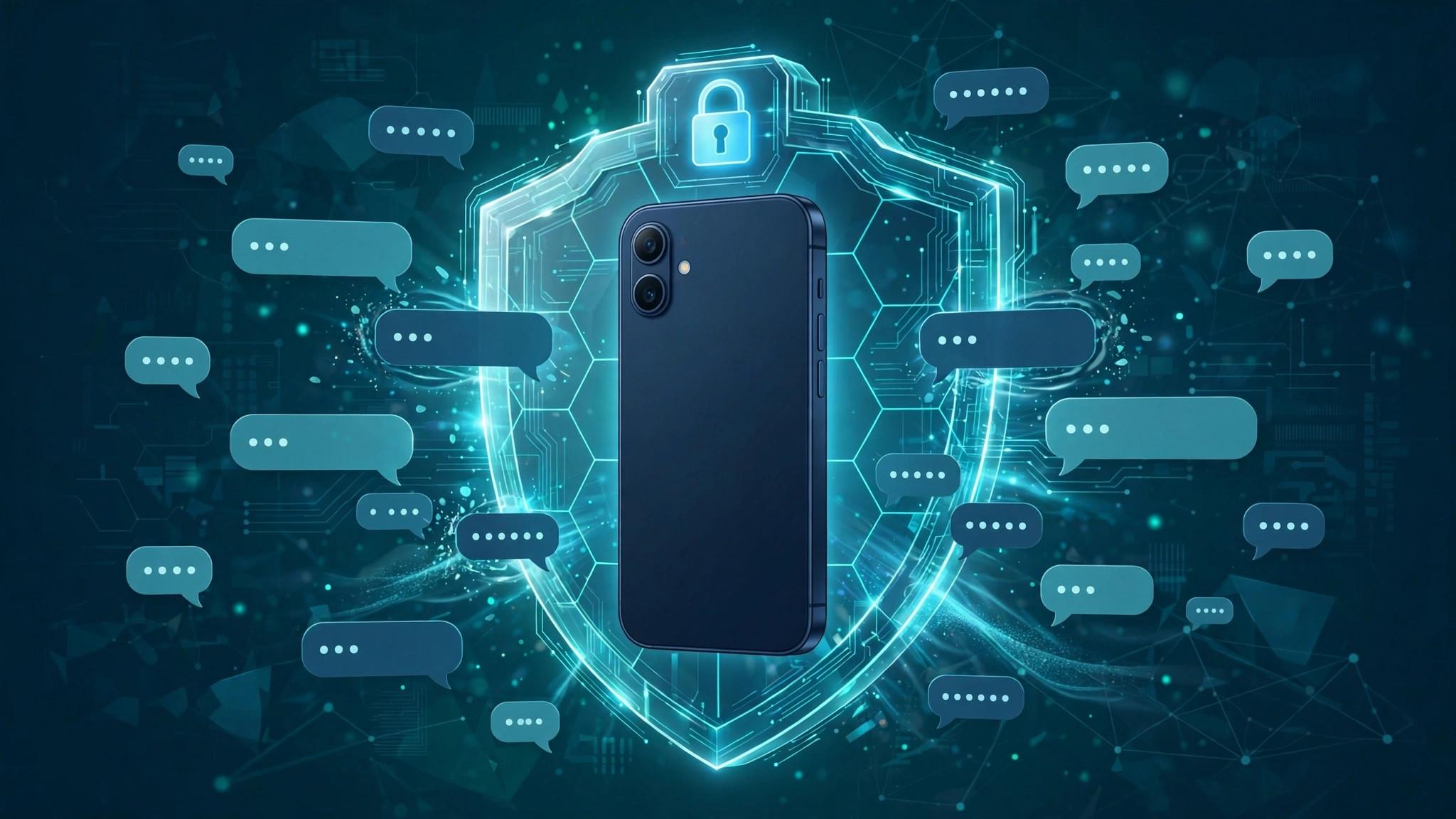

Your private chats may not be as private as you think. On modern phones, AI assistants built into the operating system can see what is on your screen — including your messages. Signal has now decided to do something about it. The messaging app announced on 20-21 November that it will block screenshots on iOS and Android, a move designed specifically to stop AI agents from reading users' private chats. It is one of the first times a major app has built a defence against AI that lives inside the phone itself.
What Did Signal Announce?
Signal's change is simple in concept and significant in effect. The app will now prevent screenshots from being taken while it is open, on both iOS and Android.
iOS: The block works on iOS 27, using the operating system's own screen-capture controls to stop screenshots of Signal chats.
Android: The same protection applies on Android, where Signal can use the system's secure-flag feature to block both screenshots and screen recordings.
The target: The feature is aimed at AI agents built into the operating system — assistants such as Gemini and Siri — that can read the contents of the screen to answer questions, summarise content or help the user.
The change does not affect Signal's encryption. Messages were already protected in transit; this update protects them from the device itself.
Why Is Signal Blocking Screenshots Now?
The answer is that phones have changed. AI assistants are no longer separate apps that you open and close. They are now woven into the operating system, and they work by looking at your screen. An assistant that can see your screen can, in principle, see your messages — and once it has seen them, it may store them, summarise them or send them to a server for processing. For most apps, that is a convenience. For a private messaging app, it is a problem. Signal's position is that a private chat should stay private, even from the phone's own AI. The screenshot block is a practical way to enforce that: if the assistant cannot capture the screen, it cannot read what is on it. The timing is no accident. AI assistants are getting more powerful and more deeply embedded with every operating system update, and the launch of new voice models such as GPT-Live-1.1 — with its standby billing model — shows how quickly AI is becoming a permanent, always-on presence on our devices.
How Does the Screenshot Block Work on iOS and Android?
The mechanics are different on each platform, but the result is the same.
On Android, Signal marks its screens as secure, which tells the operating system to refuse screenshot and screen-recording requests while the app is in the foreground. Anyone who tries to take a screenshot will get a blank image, or an error message.
On iOS 27, Apple has given apps more control over screen capture, and Signal is using those controls to block screenshots of its chats.
What it does not do: The block cannot stop someone from taking a photograph of the screen with another phone, and it cannot prevent a person sitting next to you from reading over your shoulder. It is a defence against software, not against people.
There is a trade-off, and Signal knows it. Blocking screenshots is inconvenient for users who want to save a message or keep a record of an important conversation. Signal is betting that its users — who chose the app precisely because of its privacy — will accept the inconvenience.
What Does This Mean for AI Assistants on Your Phone?
Signal's move raises a question that will only get bigger: who controls what the AI on your phone can see? Until now, the assumption has been that the operating system can see everything, and that AI assistants built into it are entitled to look at any app. Signal is challenging that assumption. If a messaging app can refuse to show its contents to the operating system's AI, other apps may follow — and the boundary between “your phone” and “your apps” will start to shift. For users, the practical effect is reassuring: chats in Signal are now protected not only from hackers and governments, but from the AI that lives in their own pocket. For the companies building operating-system AI, it is a warning that privacy-conscious apps will not simply hand over their users' data. The move also connects to the wider AI debate of the week. As new models like Google's Gemini 4 Neon become more capable and more deeply integrated into phones, the question of what they can see — and what they should be allowed to see — becomes more urgent. Our GPT-6.2 vs Gemini 4 comparison shows how quickly these models are improving, and Signal's decision is a reminder that capability and permission are two different things.
What Can Users Do to Protect Private Chats?
Signal's screenshot block helps, but it is only one layer of protection. A few habits make a real difference.
Use apps that encrypt by default: End-to-end encryption means only you and the person you are talking to can read the messages.
Check your AI assistant's settings: Most phones let you limit what the assistant can access, or turn off screen-reading features entirely.
Be careful with screen sharing: If you share your screen in a call or a meeting, anything visible — including message notifications — can be seen by others.
Keep disappearing messages on: For the most sensitive conversations, messages that delete themselves after a set time leave nothing behind to be captured.
Final Thoughts
Signal's screenshot block is a small feature with a big message: privacy is not just about keeping strangers out, but about keeping the software on your own phone from reading over your shoulder. As AI assistants become a permanent part of our devices, that distinction will matter more and more.